A whole year, gently connected
More than 800 hyperlinked pages for your year, months, weeks and days, with room for goals, reflection and the parts of life a calendar alone can't hold. Made for GoodNotes, Notability and other PDF note apps.
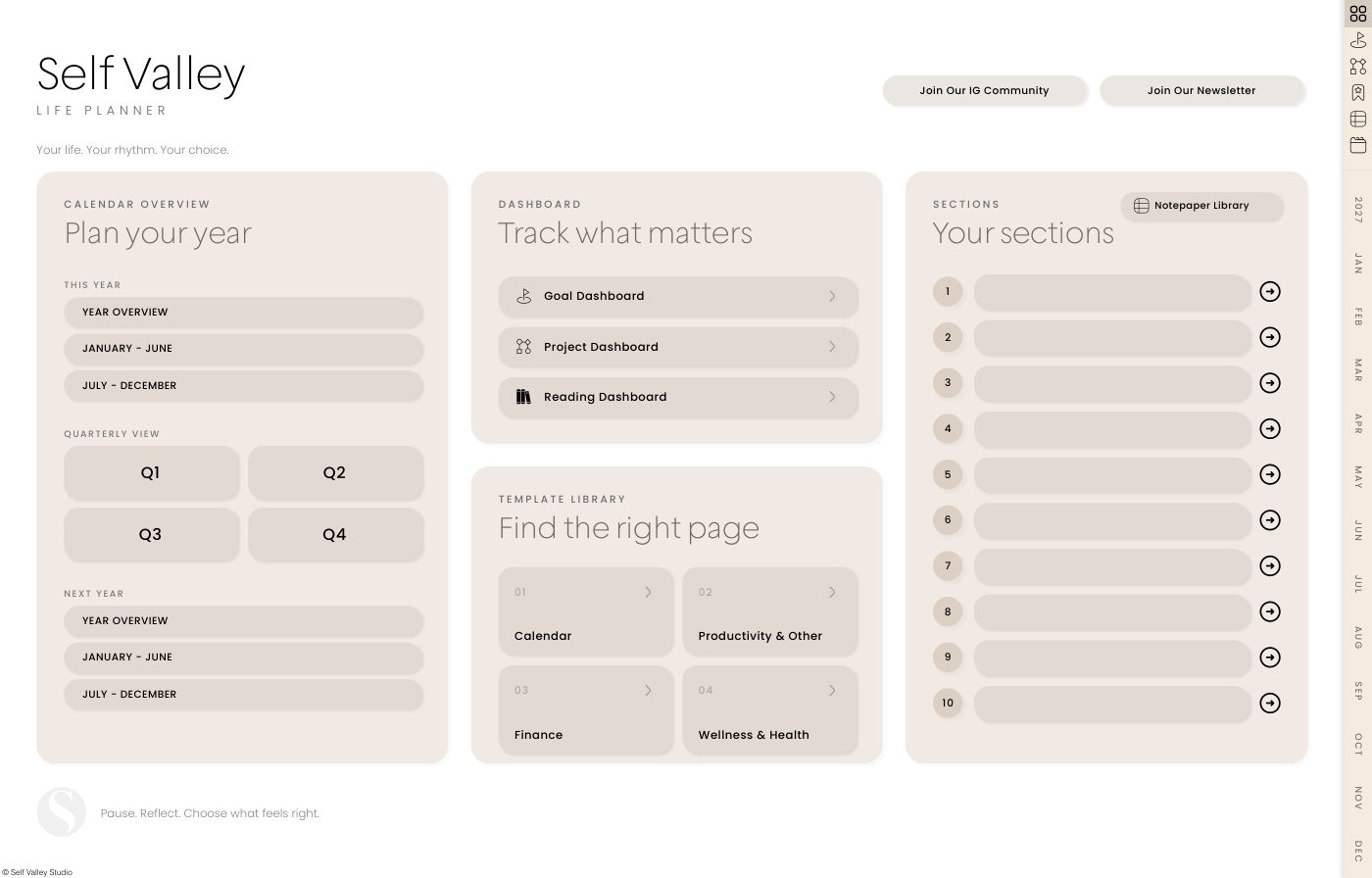
From the big picture to a single day
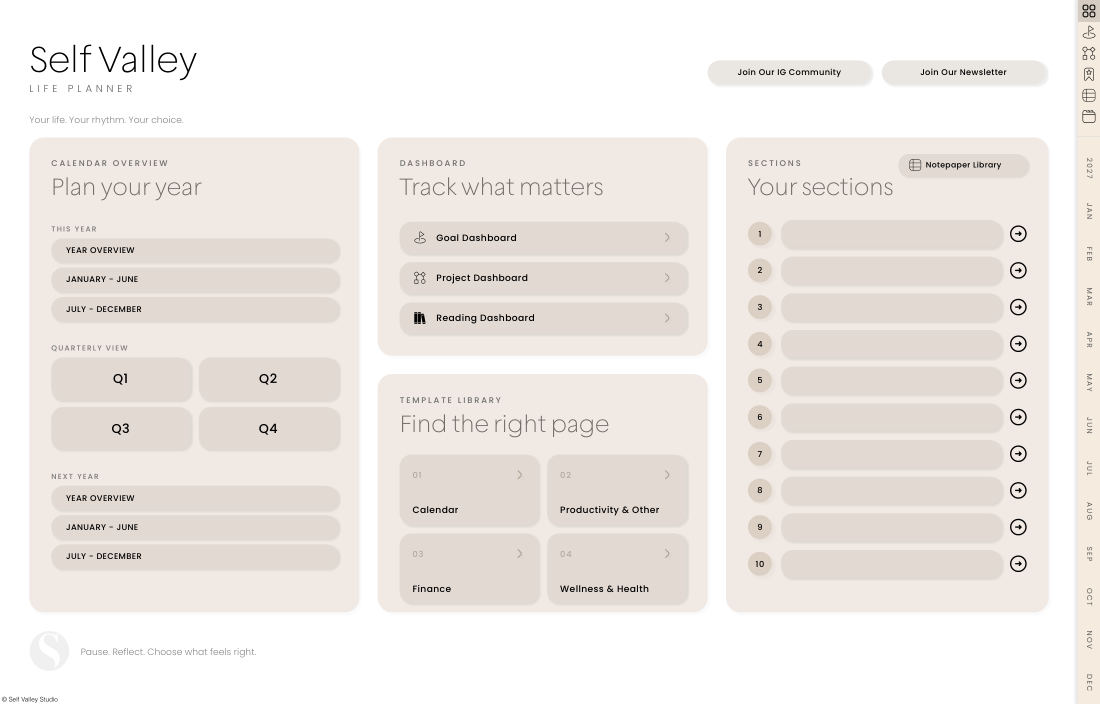
Start anywhere. The side tabs and calendars take you to any month, week or day in one tap, and every page links back.
See your year at a glance
A year calendar, year highlights and two six-month plans to map what's coming. Quarterly pages help you pause every three months and check your direction.
- Year calendar and year highlights
- January–June and July–December plans
- Four quarterly views
- Preparing for next year: a head start on the year ahead
A month to plan, and a month to reflect on
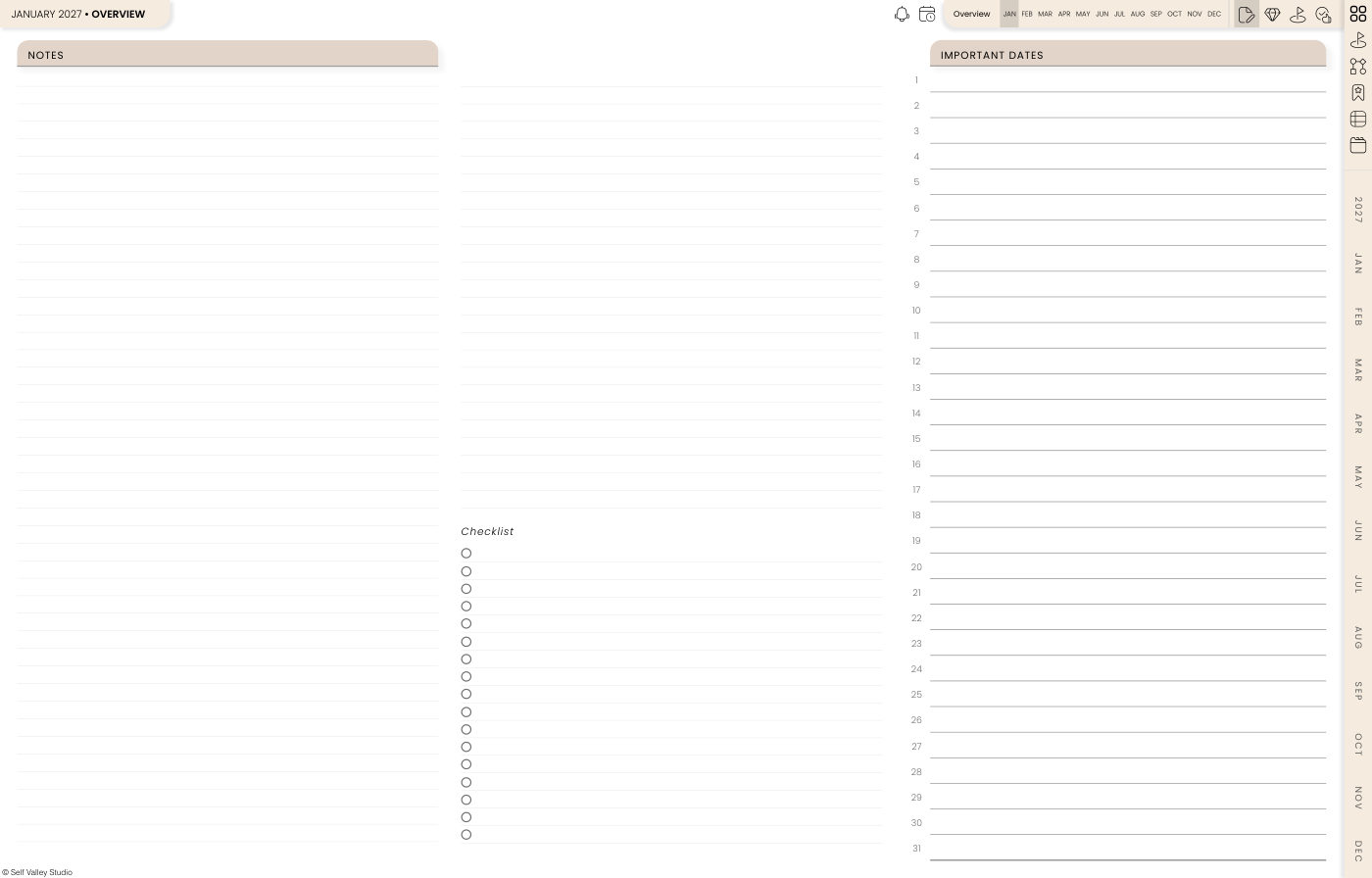
Each month opens with its calendar, followed by pages that help you set an intention and look back honestly when it ends.
- Monthly calendar
- Overview, Vision and Goals
- Reflection at the end of each month
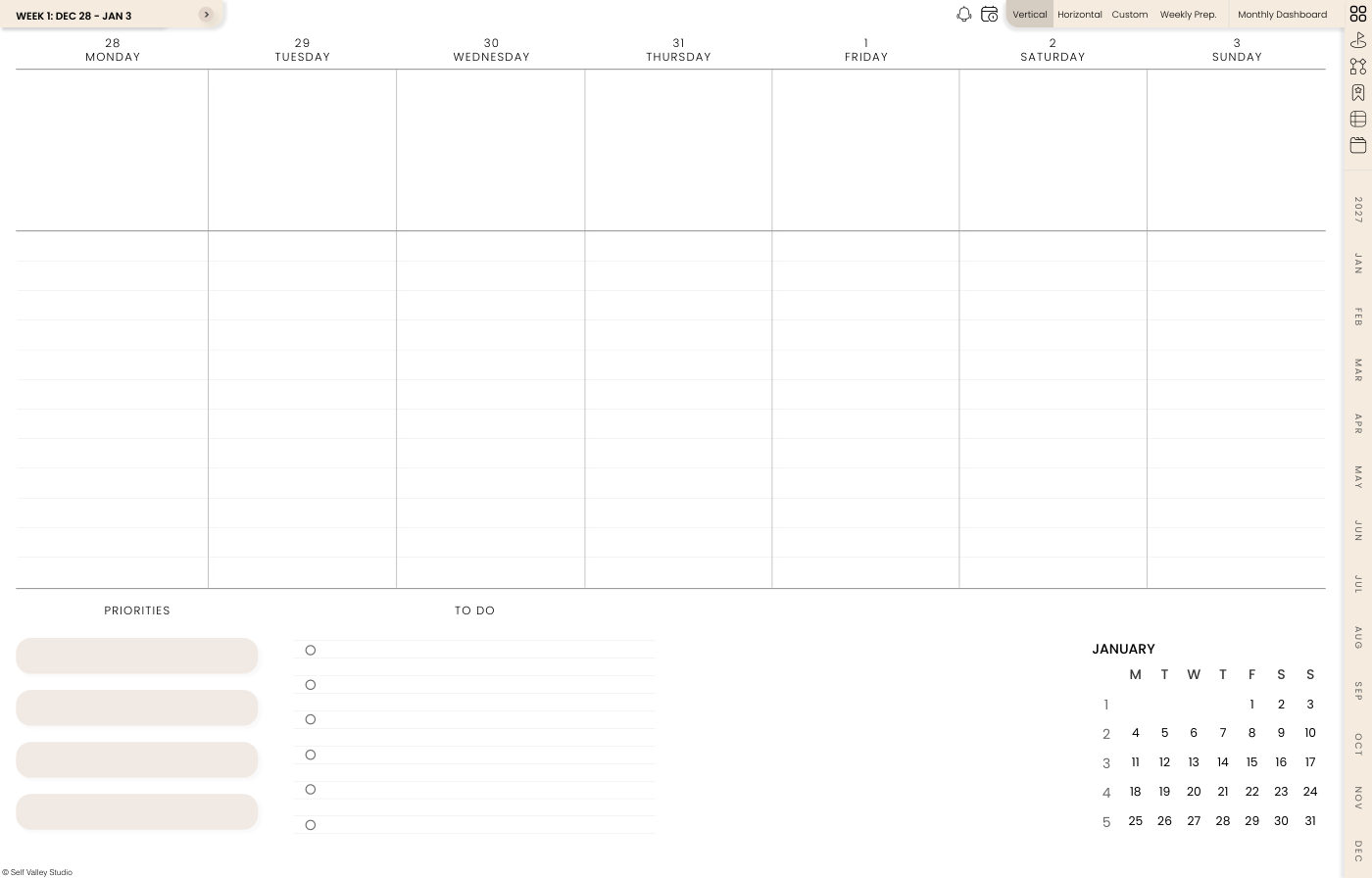
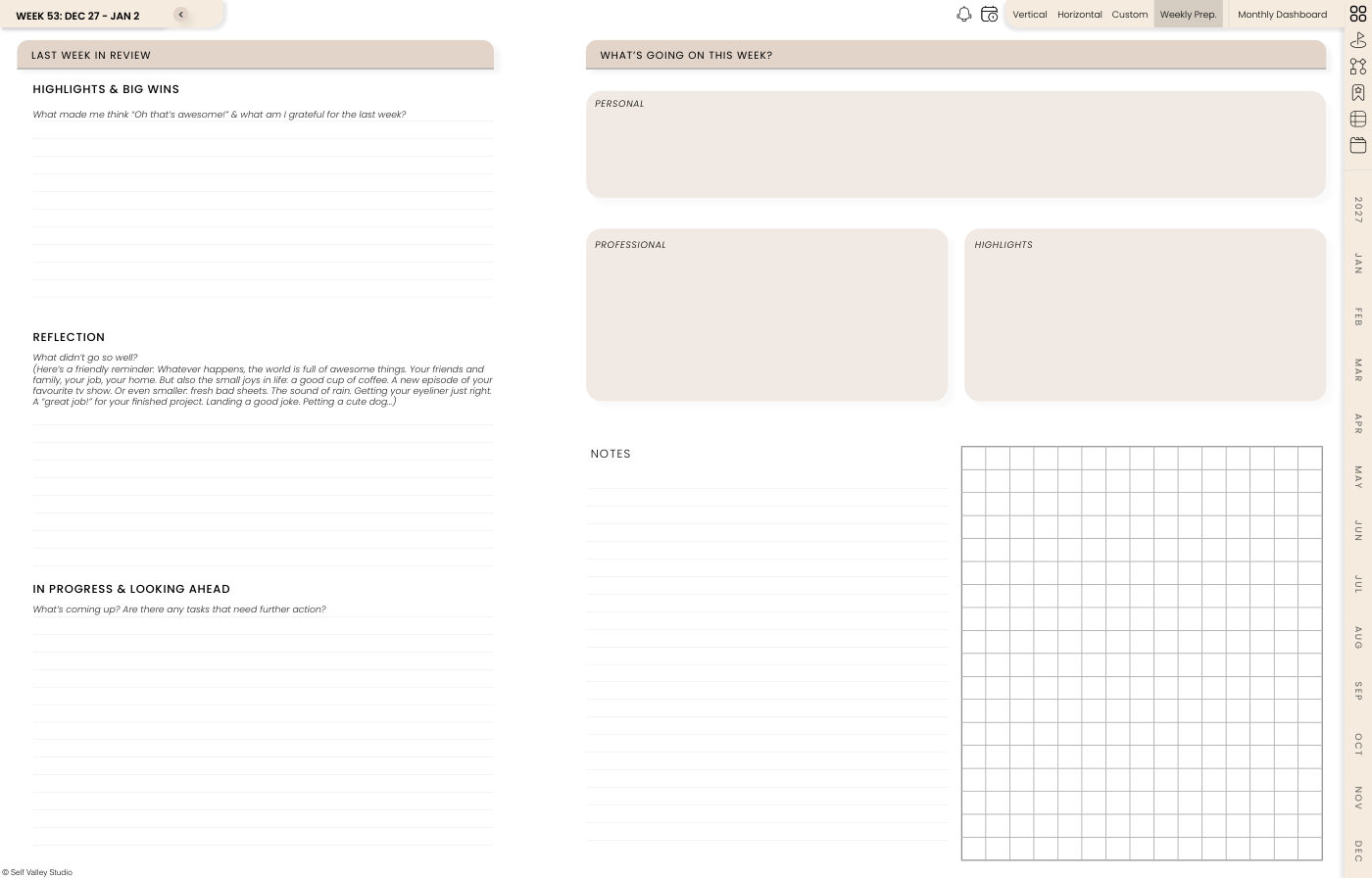
Four ways to plan a week
Every week of the year comes with four layouts. Use the one that fits the week you're having, or move between them.
- Weekly preparation
- Vertical and horizontal weekly views
- A custom layout for your own system
- Mini calendars that link to every day and week
A page for every day
365 daily pages (366 in 2028), each linked to its week and month, so today is never more than a tap away.
Room for the rest of your life
Trackers, journals and templates live in their own sections, linked from the start page and the side tabs.
Planning tools
- Mind Map
- Priority Planner
- Time Blocking
- Focus Cards
- Project Planner
- Goal Tracker
- Monthly Tracker
- Weekly block views
- Blank calendar
Health & reflection
- Wheel of Life
- Daily Reflection
- 10-Minute Reflection
- Weekly Wellness Focus
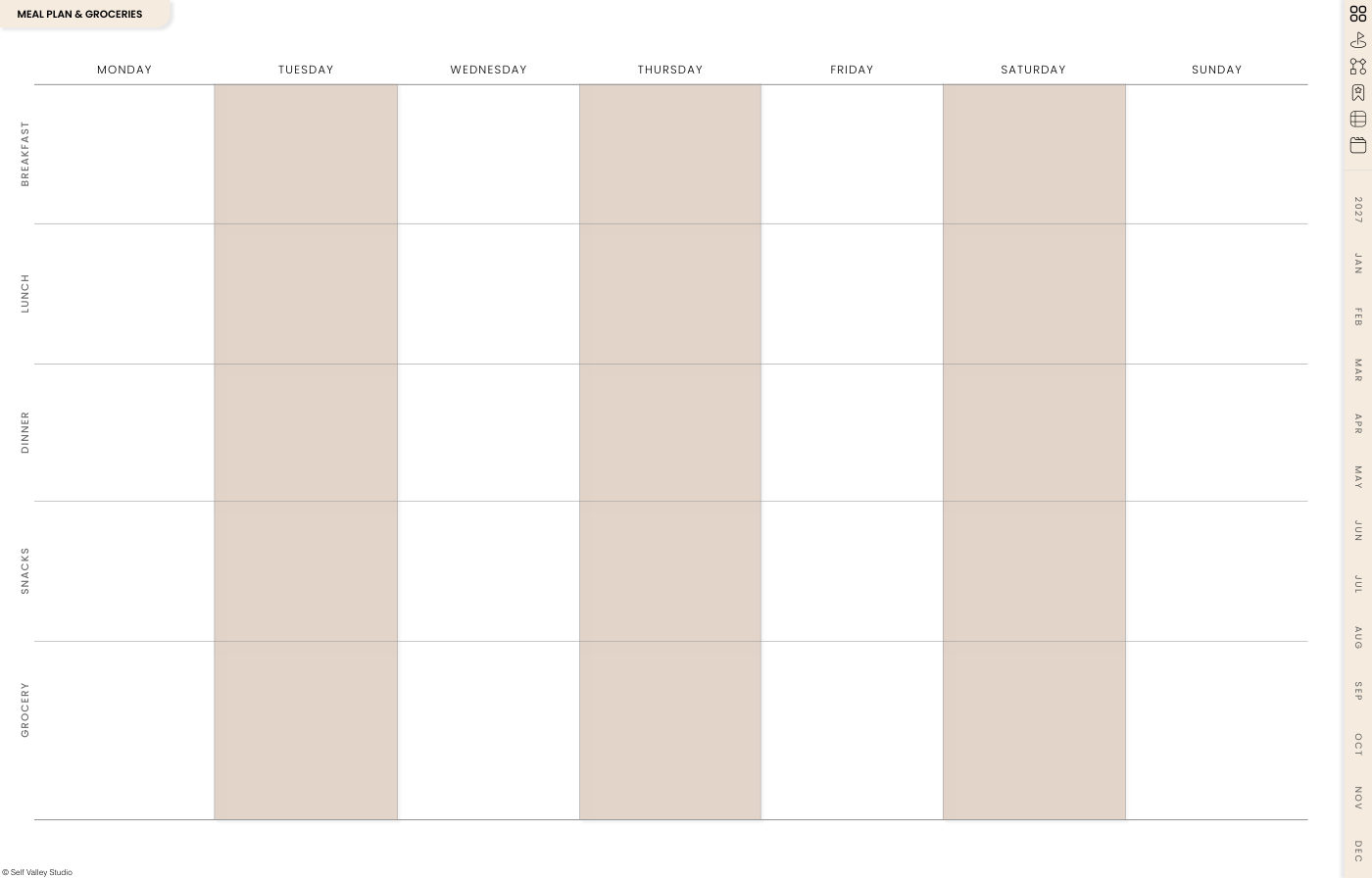
- Meal Plan & Groceries
Lists & journals
- Reading Journal
- Gratitude Journal
- Quote Collection
- Bucket List
- Wishlist
- Contacts
Finance & reading
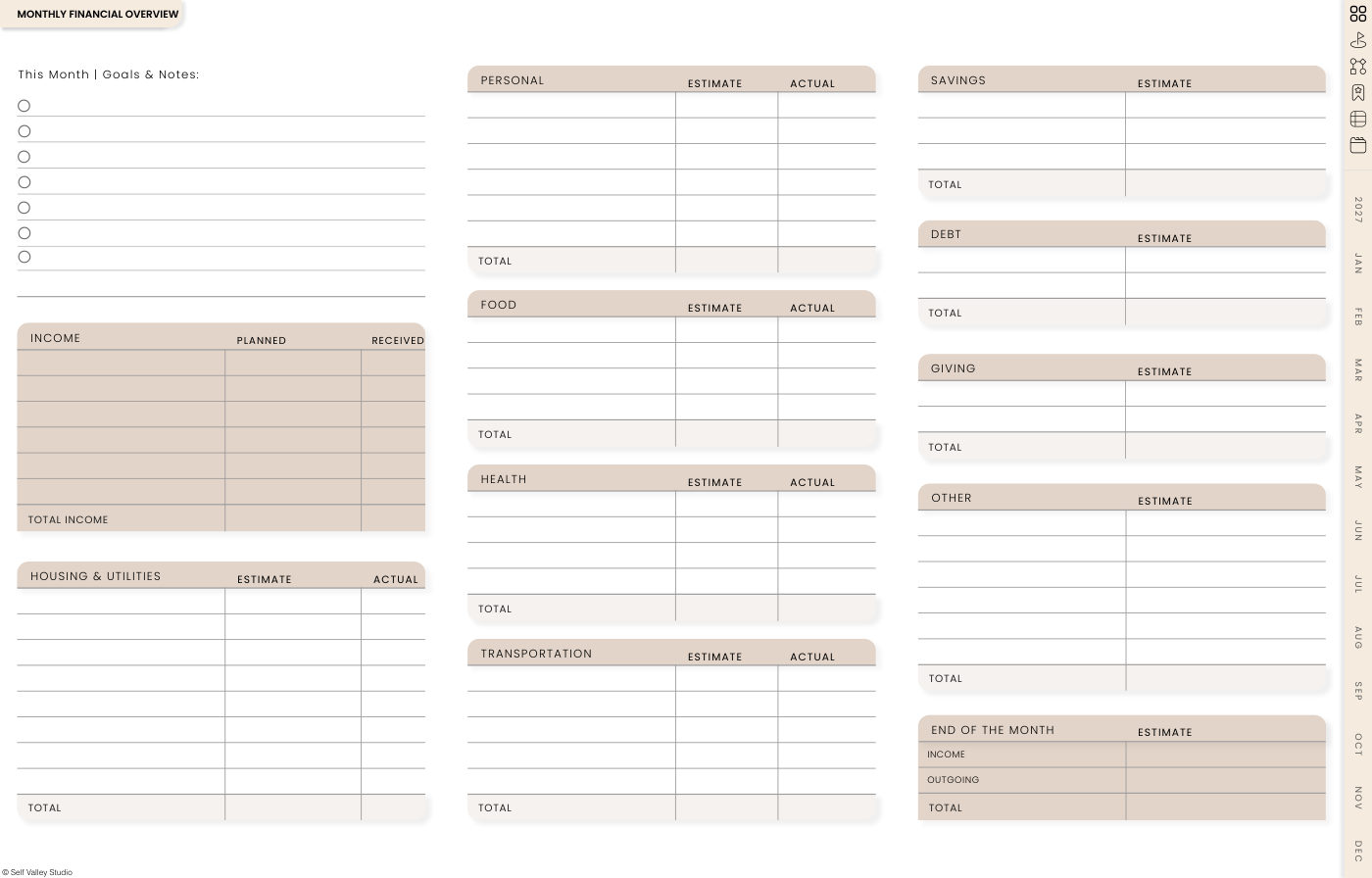
- Yearly and monthly budget
- Bill Payment Tracker
- Debt Payment Tracker
- Savings Tracker
- Reading dashboard
- My Library
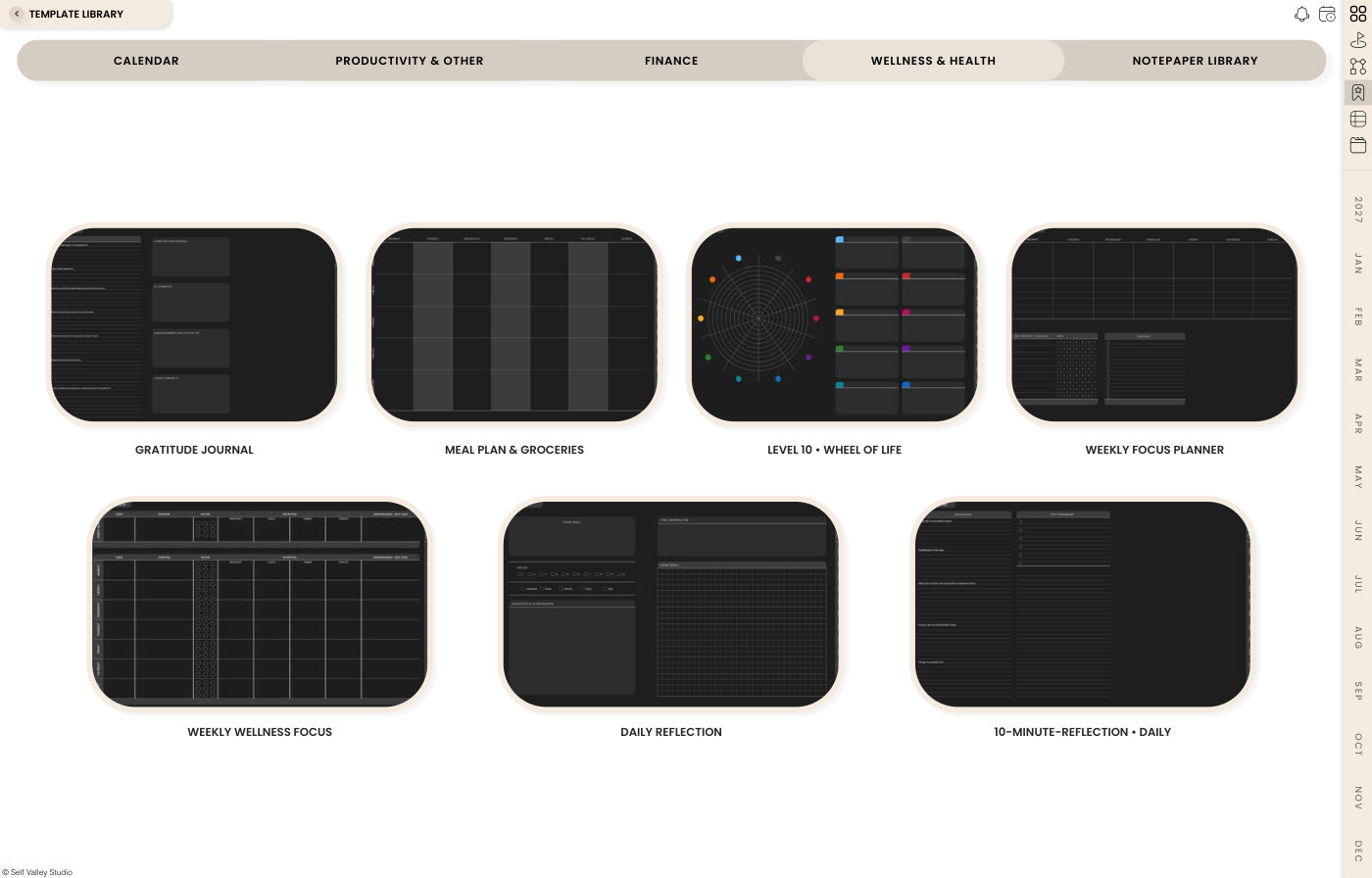
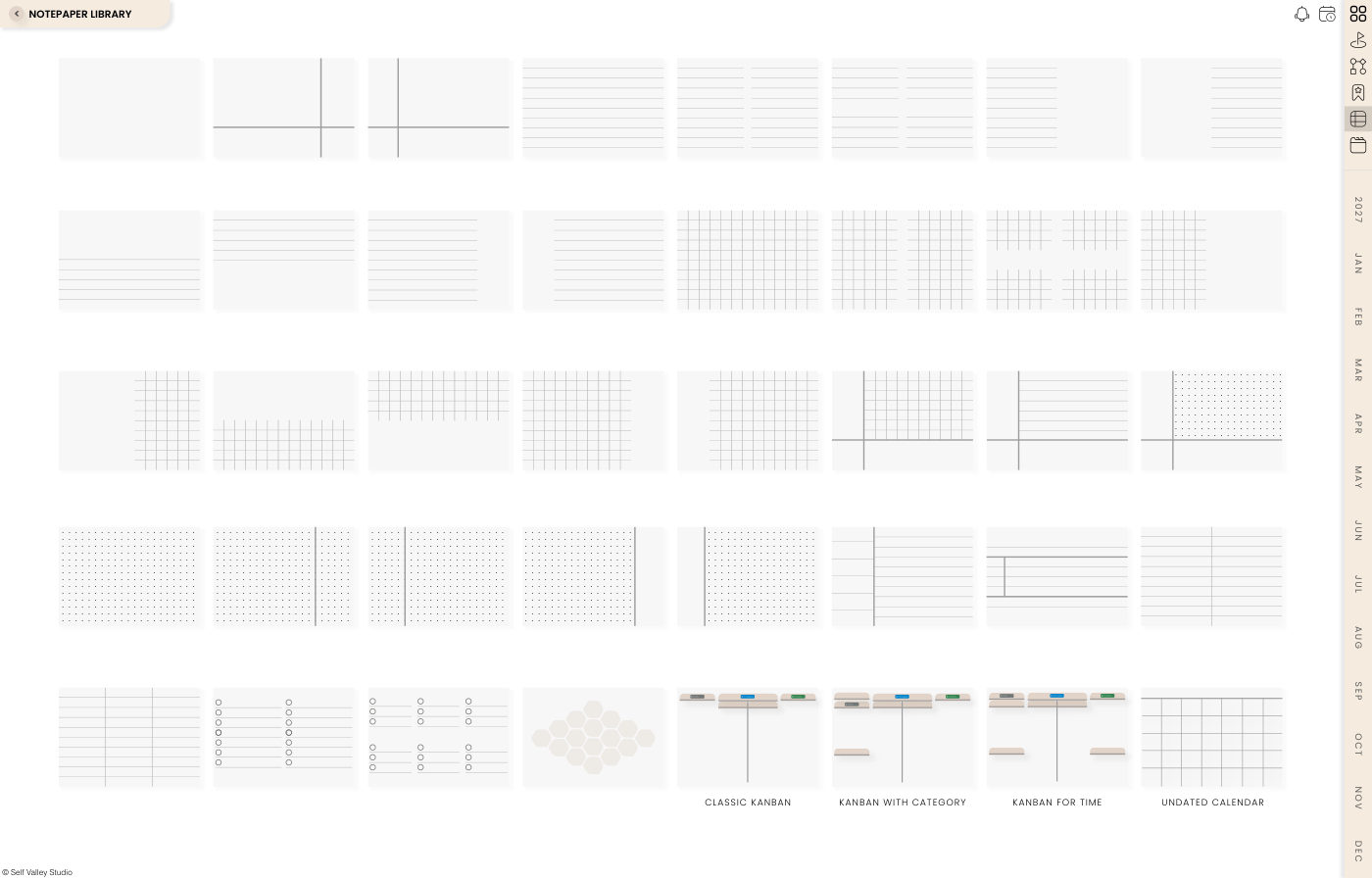
40 paper templates, whenever you need a fresh page
Lined, dotted, grid, Cornell and more. Copy any template into your planner when a day needs more room for thinking.
Tap the bell, set a reminder
Pages carry a small bell. Tap it and the free Heartbeat shortcut creates an Apple Reminder for that page's date, so plans written by hand still nudge you on time.
- Uses the Shortcuts app on iPad and iPhone
- Daily pages remind you on that day; weekly pages on the first day of the week
- Finance pages can set repeating reminders
Every version, one download
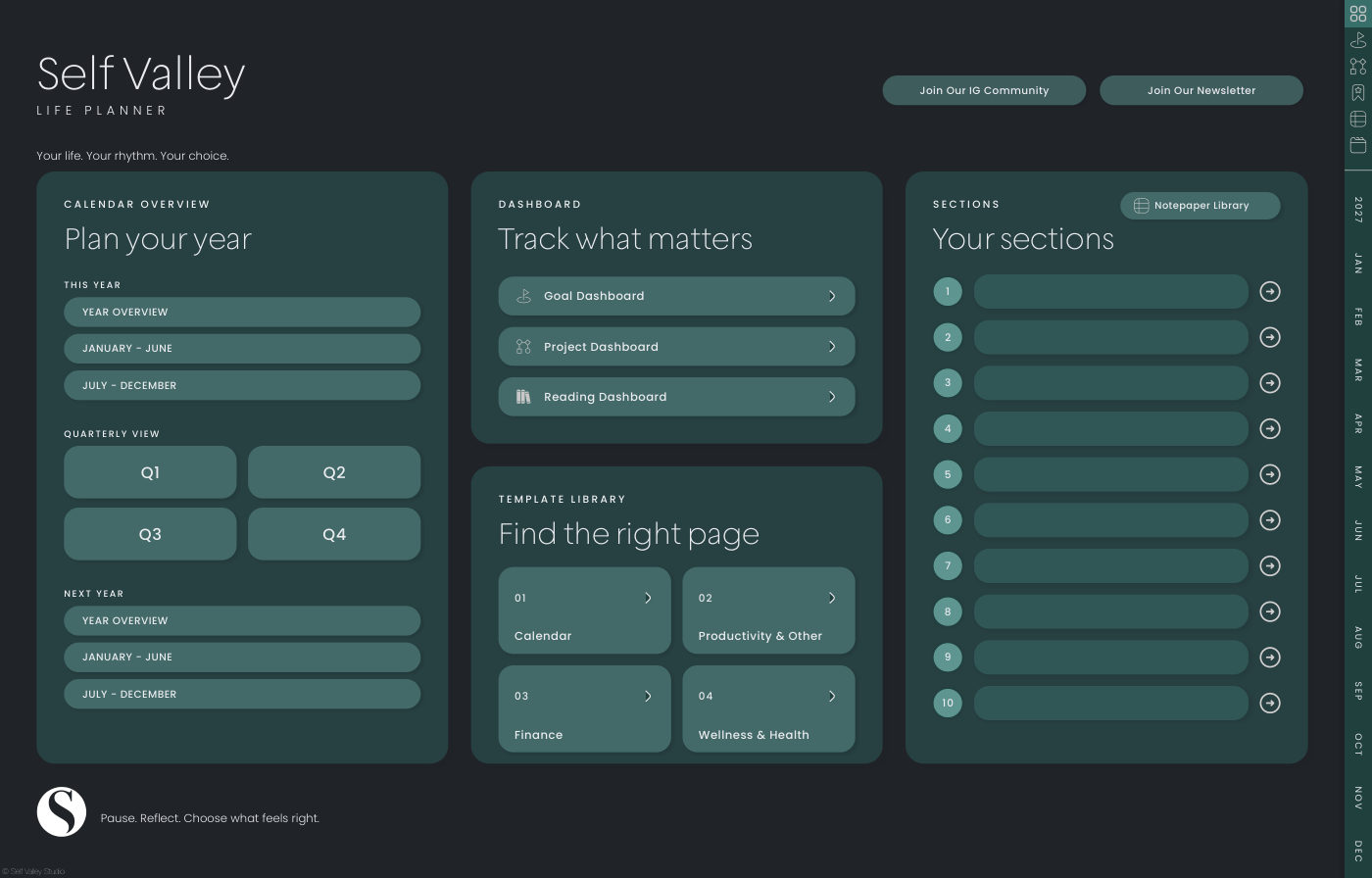
Your purchase includes a linked Download Library. Choose your palette, light or dark, and a Monday or Sunday start, then download the file you want. Change your mind later and pick another.
Light or dark, in seventeen palettes
Dark palettes stay easy on the eyes in the evening; light palettes feel like fresh paper. Tap a colour to preview it.
Ready when you are
The Life Planner is available in our Etsy shop as an instant download. Pair it with a notebook in the same palette.